
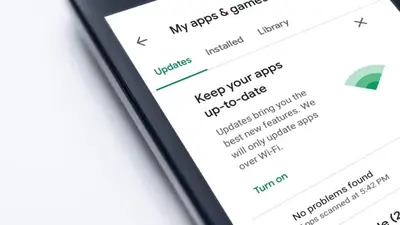
Updating the Xuper TV app takes two minutes and loses nothing: install the new APK directly over the old app and Android treats it as an update. Your favorites, watch history and resume points all survive. Grab the current build from our download page and follow the steps below.
Step 1: Check your current version
Open the app, go to its settings screen and note the version number. Compare it with the version on our download page. If they match, you are already current and there is nothing to do.
Step 2: Download the new APK
Download the latest file from the download page. It is the same 37 MB package, verified and tested before publication.
Step 3: Install over the existing app
Open the downloaded file and tap Install. Do not uninstall first; installing over the top is what preserves your data. Android will show an “update” style prompt rather than a fresh-install one.
Step 4: Verify
Open the app, check the version in settings, and glance at your favorites and continue-watching row. Everything should be exactly where you left it, now running the new build’s playback improvements.
When to do a clean install instead
If the update misbehaves, for example crashes on launch that the old build did not have, uninstall completely and install fresh. You will lose local favorites, but you will also lose whatever corrupt data caused the problem. The repair guide covers that sequence.