Xuper TV streaming app was clearly designed with televisions in mind: on Android TV it switches to a remote-friendly interface with big tiles and simple navigation. The same 37 MB APK from our download page powers it; you just need to get the file onto your TV or stick.
On Android TV
Download the APK on your phone or PC and send it to the TV with an app like Send Files to TV, or save it to a USB drive and plug that into the TV. Open the file with a file manager on the TV, allow installs from unknown sources when prompted, and install. The leanback interface appears automatically.
On Firestick
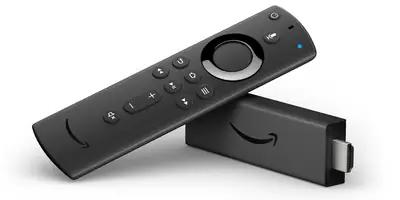
Install the Downloader app from the Amazon Appstore, then use it to fetch the APK file from our download page URL. Open the downloaded file in Downloader, install, and find the app under Your Apps and Channels. A Bluetooth mouse helps with the one-time setup, but day-to-day navigation works fine with the Firestick remote.
Navigating with a remote
The TV interface is built around directional-pad movement: up and down move between lanes (live, movies, series, kids, anime), left and right move within a lane, and the center button selects. The subtitle timing fix in the latest build specifically addressed remote-based subtitle control, so the player overlay is fully usable without a touchscreen.
Performance tips for TV boxes
Budget sticks have limited RAM, so force-close background apps before a movie night and prefer a wired or 5 GHz Wi-Fi connection for 1080p streams. If live channels stutter, dropping one quality level in the player settings makes the stream rock solid; the buffering fix guide has the full checklist.
Why the TV is the best way to watch
Phones are for commutes; the kids lane, the live channels and the movie shelf all make more sense on a big screen with sound. Once it is set up, the TV becomes the primary streaming device in most homes we have seen, with the phone as the backup.