
The “app not installed” error has three real causes, and the fix depends on which one you have. In our testing the order of likelihood is: a signature conflict with an existing copy, a corrupt or incomplete download, and critically low storage. Here is how to identify and fix each.
Cause 1: Signature conflict (most common)
Android refuses to install an APK signed differently from the copy already on your device. If any older Xuper TV APK free build is installed, uninstall it completely first: long-press the icon, tap Uninstall, then restart the phone. Now install the fresh file from our download page. This resolves the large majority of cases.
Cause 2: Corrupt or incomplete download
If the file did not finish downloading, the installer fails with the same message. Check the file size: it should be roughly 37 MB. Anything much smaller means an interrupted transfer. Delete it and re-download on a stable connection, preferably Wi-Fi, and do not open the file until the download notification says complete.
Cause 3: Storage critically full
Android needs working room beyond the file size itself. If your device is down to its last few hundred megabytes, free up space first, then retry. The install guide lists the space to aim for.
What does not cause it
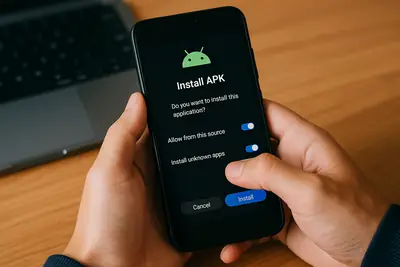
The “allow unknown apps” toggle is a different prompt with a different message; if you are seeing “app not installed” specifically, the toggle is not your problem. Neither is your Android version, as long as it is 5.0 or newer.
If the error survives all three fixes, the broader Xuper TV repair guide covers the remaining edge cases, including the clean-reinstall sequence.